Voxly
Record what matters
Record voice, music, rehearsals, ideas and anything worth keeping.
Rated 4.9 out of 5, based on 125 ratings on the App Store
Free with all features. Upgrade for unlimited recordings.
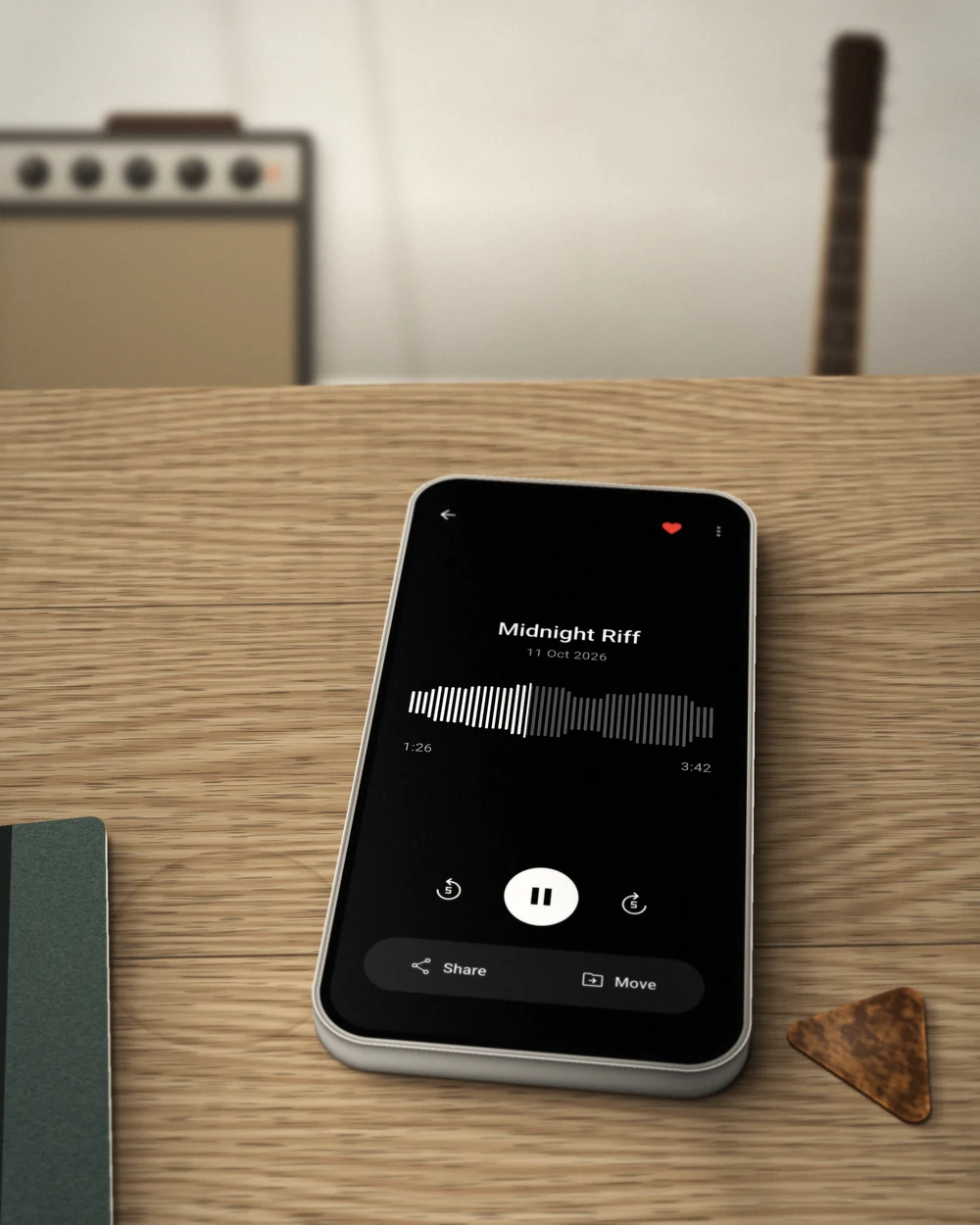
Great sound. Simply recorded.
High-quality audio
Record in M4A, Opus or WAV, mono or stereo, up to very high quality. Use the built-in presets or set your own.
Background recording
Keep recording while you switch apps or lock your screen. Voxly stays running until you stop it.
Simple file organization
Albums, favorites and renaming keep recordings easy to find. Share or export any recording whenever you like.
“I was surprised by the quality of this app! It picks up sound really well, making every recording a pleasure to listen to.”
Everything free. Unlimited when you need it.
Free
Every feature, up to 10 recordings.
- Up to 10 recordings
- High-quality recording, every preset & format
- Background recording
- Albums, favorites, sharing & export
- No account required
Voxly Pro
Everything in Free, plus:
- Unlimited recordings
Monthly, yearly (with a free trial), or a one-time purchase.
Frequently asked questions
Is Voxly free?
Yes. Every feature is included for free, with room for up to 10 recordings. Voxly Pro removes that limit.
What do I get with Voxly Pro?
Unlimited recordings. Pro is available as a monthly or yearly subscription, or as a one-time purchase. Subscriptions can be cancelled anytime.
What happens when I reach 10 recordings?
Everything you've recorded stays available to listen to, share and export. To record more, delete recordings you no longer need or upgrade to Voxly Pro.
Do I need an account?
No. Voxly works without an account, and your recordings are stored on your device.
Which formats does Voxly record in?
M4A, Opus and WAV, in mono or stereo. Presets for standard, meetings and music recording are built in, or you can set your own quality.
Need help with Voxly? Contact us at support@kodeo.io.