Kodeo Invoice
Invoicing without the overhead
Create professional invoices and PDFs directly from your phone. Add your business once, pick a client, add your line items, and send.
Rated 5.0 out of 5, based on 31 ratings on the App Store
Your first invoice is free. Upgrade to create more.
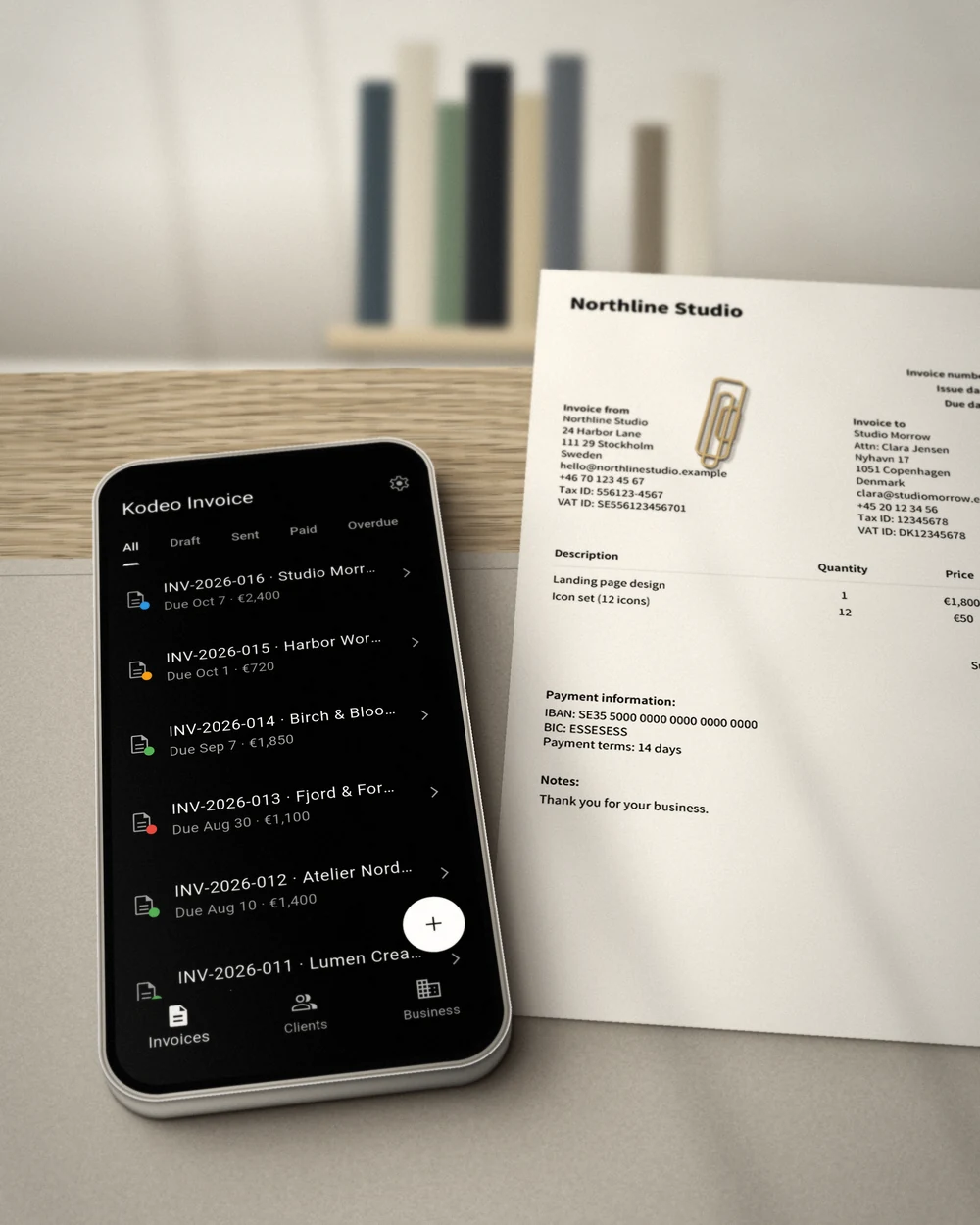
Invoicing without the overhead
Professional PDFs
Every invoice becomes a clean PDF you can share from any app, with line items, tax, notes and payment details included.
Clients and status at a glance
Save clients once and reuse them. Track drafts, sent, paid and overdue, and see what's collected and outstanding this month.
Your currency, your language
Choose from over 20 currencies and 17 languages per invoice, so it reads right for you and your clients.
“It is a very good application. It helps me a lot.”
Start with one invoice. Create as many as you need.
Free
Your first invoice is free.
- Professional PDF invoices with your logo
- Clients and invoice status tracking
- 20+ currencies and 17 languages
- Backup & export included
- No account required
Invoice Pro
Everything in Free, plus:
- Unlimited invoices
Subscribe monthly or yearly. Try yearly free for 7 days.
Frequently asked questions
Is Kodeo Invoice free?
Yes. Your first invoice is free. Invoice Pro gives you unlimited invoices, as a monthly or yearly subscription. The yearly plan starts with a 7-day free trial.
What do I get with Invoice Pro?
Unlimited invoices. Pro is a monthly or yearly subscription. The yearly plan starts with a 7-day free trial, and you can cancel anytime.
Do I need an account?
No. Kodeo Invoice works without an account, and your invoices and clients are stored on your device.
Can I invoice in my own currency and language?
Yes. Pick from over 20 currencies and 17 languages for each invoice, so it reads right for you and your clients.
Does it track payments?
Mark invoices as sent or paid, and Kodeo Invoice shows overdue ones automatically, along with what's collected and outstanding this month.
Need help with Invoice? Contact us at support@kodeo.io.